A late update! Got a bit slack last week, so now I’m doing a single post for weeks 5-6. Double value for your postage. It’s a little light on programming dev stuff as I did a lot of management during these weeks, but with week 7 being our content complete stage, I’m sure they’ll be a bunch of bug fixes on the way next week.
Week 5 involved some bug fixing and getting functionality in instead of creating mechanics and systems.
Last week, when I wrote about creating the slope system, I failed to fully test the system. Turns out I was totally over complicating the functionality required to move the player. As it was, the system was easily confused on a surface that wasn’t geometric, causing the player to get stuck on even tiny inclines.
I solved this by simplifying to movement to a single raycast that sits directly on the front of the player. This means that the cast is in front enough to detect a slope in front of them, but not too forward to distort the directional vector going up slopes.
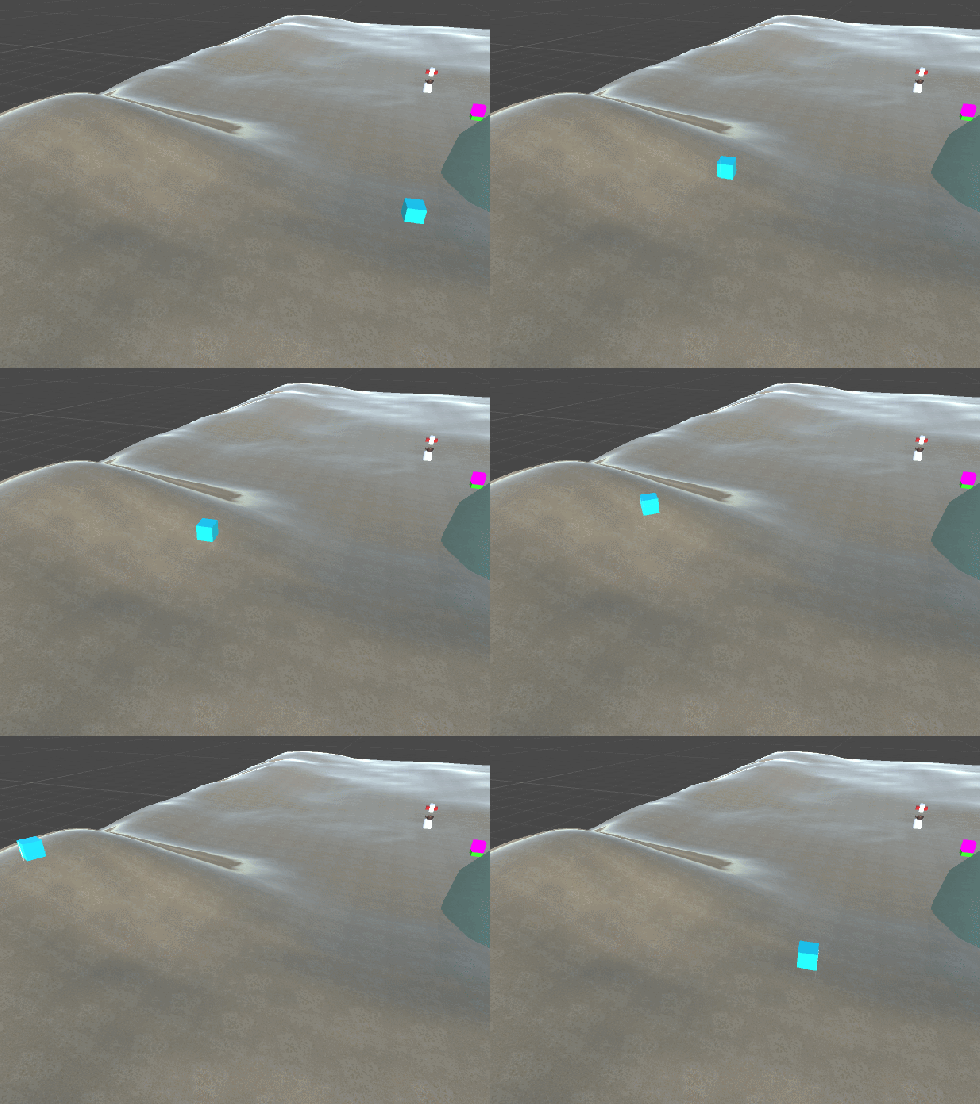
Next, I needed to create a system for teleporting the players from the master scene. As GIANTS is additively loading scenes, we need to have a master scene that contains all of our essential game objects. In this case, we have:
- The players
- EHU
- Camera
- Global directional lights
- Level load controller
We primarily need the master scene for the global lighting, as swapping directional lights from scene to scene tends to cause major issues with lighting.
However, the current system involving the menu is very hacky, and not thought out, so I needed to take the time to design a system that will move the players and EHU to wherever they need to go, no matter what level loads.
So first we need to decide where the players need to go. I decided to use a generic prefab that will use empty gameobjects that can be moved.

Now we have the positions, we can place these into the start of every level. Here, I put a script on the object that will tell the level controller than this gameobject is were the players will be moving. Next, I made another script that goes onto the level controller called PlayerTransfer that handles all the actual movement. This script is called when the above game object turns on, which triggers the PlayerTransfer script to grab the list of players, EHU, and the camera, and move them to the positions described above. This also changes the view targets of the camera to the players.
However, we’re not done yet. Now we need to allocate controllers to the players. The system I set up for allocating controllers is fairly simple. I’m going to skip over the actual allocation of the controller buttons in the backend, as that system is being re-written.
The controller allocation simply listens for an A press from all four controllers. If any of them are hit, it allocates that controller to the first player available. In most cases it’s player 1. The next controller to hit A gets player 2 and so on. Players can de-allocate to free up a player if they wish.
When controllers are allocated, the system then listens for players holding down A. When more than 2 players hold A for more than 3 seconds, the controller allocation phase ends, and the players are free to move. The camera now only tracks the active players and EHU.
Here’s a short gif of the entire system working together.

As seen above, players move from the Master scene, to level 1. Controllers 1 and 4 are allocated to players 1 and 2, and are then tracked by the camera. (The camera is a bit buggy, hence the shaking.)
Stay tuned next week, as this Friday is when GIANTS becomes content complete, and we start the polish and bugfix phase. We’re hoping to reach alpha sometime week 8.