Bit late for this post, but better late than never.
Last week I was working on the system for loading and deloading levels, and the way players interact with objects in the world.
The level controller was surprisingly easy to create using unities scene management. I simply made some functions that read in an int, then loaded or deloaded a scene based on the scene index of the int.
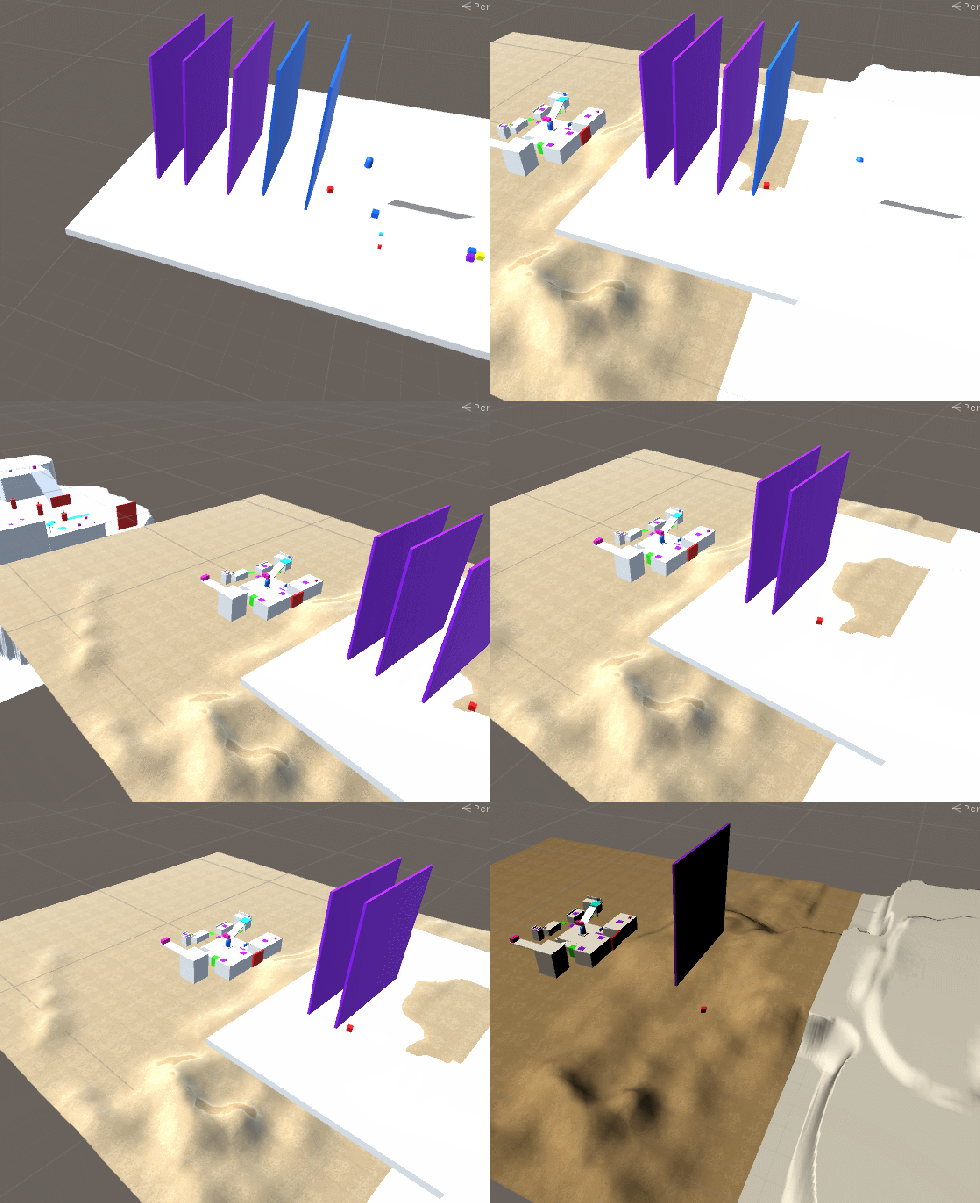
There’s a few problems with this so far, which is that the lighting needs to be baked in for each scene, as removing the main light from the first scene made the models lighting go weird. In addition, there are cameras in the scenes that need to be removed so that unity isn’t trying to use multiple cameras at once.
I plan on using a “master” scene that the players, EHU, camera reside in, so that when loading other scenes these core game objects are kept. In addition, we’re going to have to bake in all the lighting in the scenes so that the scene transitions look good.
Next thing I did was the interaction of physics objects.
So the player needs to be able to pick up and object, drop and object and throw an object. For picking up an object, I simply had an empty game object on the player that the object being picked up will child to. When we implement animations, the object will still be childed to this gameobject, but it will have an animation bone than will allow it to move with the rest of the players animations. We also have to disable the collisions between the player and object to prevent collision errors, and make the object kinematic, so that it isn’t being moved by external forces.
void PickUpInteractable()
{
currHoldRB.isKinematic = true;currGOHolding.transform.position = pickUpParent.transform.position;
currGOHolding.transform.rotation = pickUpParent.transform.rotation;
currGOHolding.gameObject.transform.parent = pickUpParent.transform;Physics.IgnoreCollision(playerCol, currHoldCol, true);
Next, we want to throw and drop the object. The function is largely the same, but all that changes is the direction of the thrown object. We want to “throw” and object when dropping it so that it isn’t spawning inside the player when dropped.
public void ThrowInteractable()
{
if (currGOHolding != null)
{
currHoldPhys.ReturnObject();//change parent of object//throw
currHoldRB.isKinematic = false;
currHoldRB.AddForce((transform.forward + transform.up) * currValue.throwForce, ForceMode.Impulse);//TDOD: AmountRemoveCurrHold();//reset locally stored variables of held object
}
}
Finally, we need to get the crystals into EHU so the player can change their sizes and such. First we check if the player is holding a crystal when interacting with EHU
case Holding.e_crystalShrink:
//check if the crystal has moved to EHU
willChange = CrystalToEHU();
if (willChange)
Shrink();
else
DropInteractable();
break;
The crystal to EHU will perform the logic for moving the crystal from the player to EHU if the player is close enough. If it returns sucessful, then the player can correctly change their size. Otherwise it will drop the object instead of using the crystal.
However, it needs to check if the player already has a crystal and has their size changed. We simply do this in the CrystalToEHU function:
if (crystalSlot.transform.childCount > 0)//if there’s another crystal in the slot, move it back to its spawn
{
ResetCrystalFromEHU(crystalSlot);
}
And then move the held crystal like normal. The result was quite good.

The final thing to add is dragging an object that’s too big for the player. I didn’t end up doing that last week, but I did set up the logic for when the player should pick up something or when they should drag something.
if (currValue.liftLimit >= currHoldPhys.weight) //if lift value is higher than the weight
PickUpInteractable();
else if (currValue.pushLimit >= currHoldPhys.weight)//if drag value is higher than weight
PushInteractable();
Then it calls relevant code to do so.
For week 4 I hope to have started making a line renderer manager for the player ropes. What I hope to achieve in this system is have a cool “spread” effect from EHU to the player instead of an instantaneous appearance. I’ll also be working on adding the level triggers to each scene to start the process for dynamically loading scenes.
One thought on “Final Project Week 3: Loading things and throwing things”